J33 Bet iOS: Complete iPhone Download & Install Guide (2026)
Apple does not allow real-money gambling apps on the App Store, so J33 Bet ships an iOS PWA. Here is the full Safari install, Face ID and notification setup.
iOS PWA: The Native-Like Web App
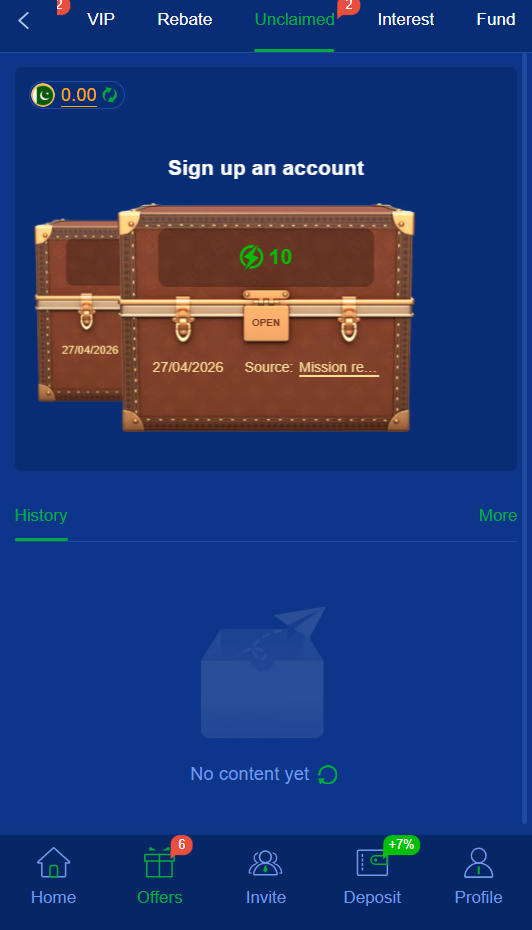
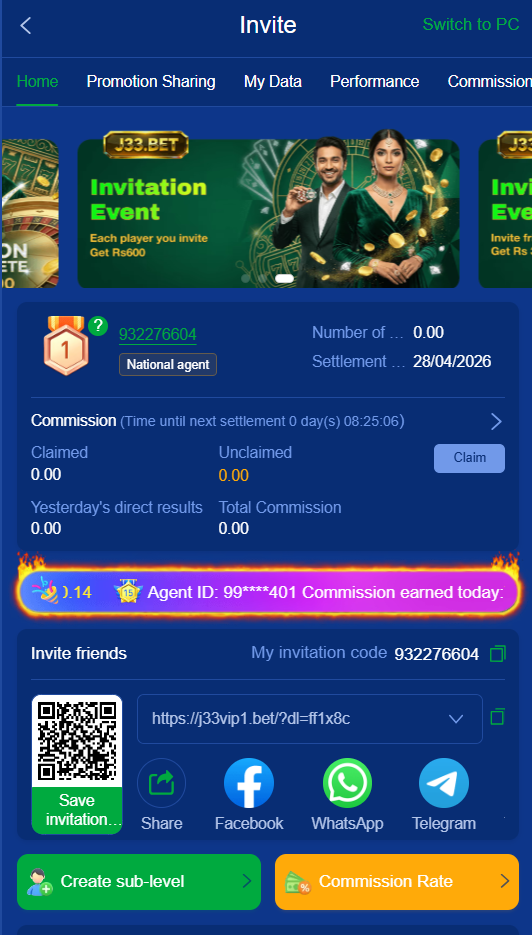
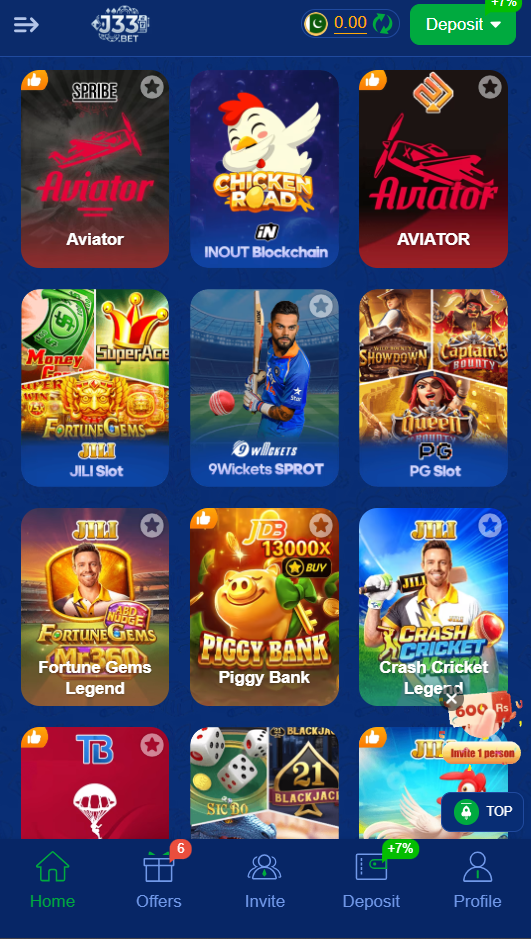
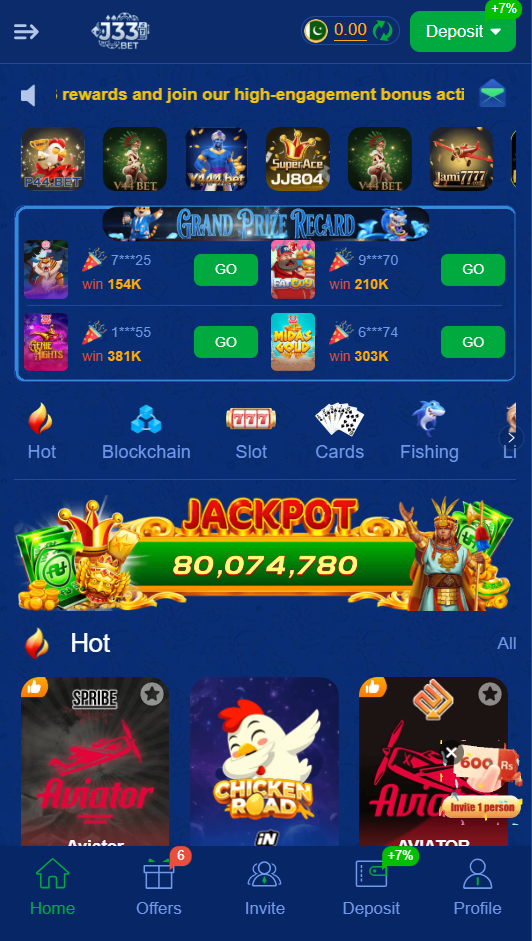
Apple’s App Store policy bans real-money gambling apps in countries where gambling is restricted, including Pakistan. So J33 Bet does not — and likely never will — appear on the App Store. Instead, the platform offers a Progressive Web App (PWA) that installs to your iPhone home screen via Safari and behaves almost identically to a native app: full-screen launch, home screen icon, push notifications, Face ID login, offline asset caching.
System Requirements
| iOS Version | 11.3 or higher |
| Compatible iPhones | iPhone 6s and newer (every model since 2015) |
| Compatible iPads | iPad Pro, Air, Mini all supported |
| Browser | Safari only — not Chrome or Firefox on iOS |
Step-by-Step Install
- Open Safari. The Add-to-Home-Screen flow does not work in Chrome or Firefox on iOS.
- Navigate to the official J33 Bet download link on this site.
- Wait for the page to fully load — the PWA loader detects iOS automatically.
- Tap the Share button at the bottom of Safari (square with arrow pointing up).
- Scroll down in the Share sheet to “Add to Home Screen” and tap it.
- Confirm the name “J33 Bet” and tap Add in the upper right.
- Find the J33 Bet icon on your home screen and tap to launch.
First Launch Setup
On first launch the PWA will prompt for notification permission — accept this for bonus alerts. Next, sign in or register with your mobile number. Inside the app, go to Profile → Security → Biometric Login and enable Face ID — this lets you skip the password on subsequent logins.
How the PWA Differs from Android APK
Functionally, almost nothing. Same games, same bonuses, same JazzCash/EasyPaisa integration, same withdrawal speeds. The two minor differences: (1) iOS push notifications are slightly less reliable than Android push notifications — Apple’s background limit can occasionally delay alerts; (2) the PWA cannot read incoming SMS for OTP auto-fill (an iOS Safari limitation), so you have to type the OTP manually during login.
📚 Related on j33bet.org
Frequently Asked Questions
Does the iOS PWA support push notifications?
Yes, on iOS 16.4 and higher. Older iOS versions support the PWA but without push notifications.
Is Face ID secure for J33 Bet login?
Yes. Face ID matching happens locally on your device — biometric data never leaves your iPhone.

About j33bet.org
Pakistan’s most trusted independent guide to the J33 Bet real-money gaming app. Honest reviews, install guides and bonus breakdowns — written by Pakistani gamers, for Pakistani gamers.
Quick Links
Legal & Info
Contact & Help
Problem gambling helpline (PK):
021-3566-1054